
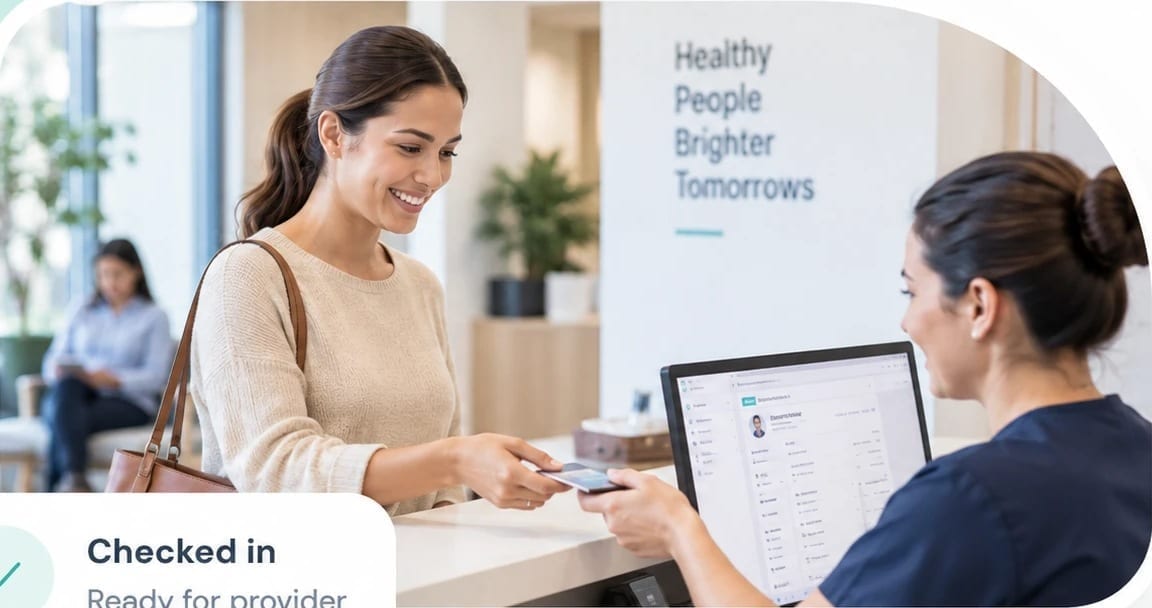
Medical clinics
Manage appointments, patients, providers, services, visits, and everyday clinic activity.
Practice Management
Manage patients, appointments, providers, visits, services, and daily practice activity from a workspace that keeps the day organized.



Today
 Ava ThompsonConsultationChecked in
 Rohan MehtaPhysiotherapyIn room
 Sophia LeeSkin TreatmentScheduled
 Daniel KimFollow-upScheduled
Follow the patient journey through every stage of the practice workflow.
Create and manage appointments around provider availability, services, locations, and practice schedules.
See who has arrived, who is waiting, and what needs attention at the front desk.
Keep patient status and appointment information current as the day progresses.
Give providers access to relevant patient information and record visit details, notes, forms, and documents.
Associate services and treatments with the visit and maintain the information needed for follow-up.
Record follow-up requirements and keep the next step visible to the appropriate staff.
Pass the relevant service and visit information into the billing process.
Continue the patient relationship with a clear view of previous activity and upcoming appointments.
Patient information
Patient information should remain useful before, during, and after a visit.
Maintain patient profiles, contact details, relationships, visit history, notes, documents, custom information, and other details your practice needs. Staff can find the information they need without treating every appointment as a new starting point.


Emily Carter
PID 10045 · 28 years
Front desk operations
The front desk manages a constantly changing schedule.
Practice Management gives staff a current view of appointments, arrivals, check-ins, queues, cancellations, rescheduling, waitlists, and provider availability.
With patient and appointment information available together, front-desk staff can respond to changes as they happen and keep the day moving.

Front desk · Today
View all →12
Arrived
3
Waiting
2
Checked in
 Olivia BennettChecked in9:15 AMDaniel KimWaiting · 10 min9:30 AMSophia LeeArrived9:45 AM
Visit management
A visit brings together the patient, provider, service, appointment, and information gathered during the interaction.
Practice Management supports lightweight clinical documentation with consultation notes, medical history, forms, consent, treatment information, documents, and follow-up details. Providers can work with relevant information while the practice maintains a consistent record of the visit.

Visit · Sep 16, 2025
In progressDaniel Kim
PID 10072 · 42 years
Providers and schedules
The practice depends on more than a patient calendar.
Manage provider profiles, specialties, working hours, availability, services, treatment types, locations, rooms, resources, and provider-service assignments. Keep scheduling aligned with the people and services available at each location.

Providers · Availability
Practice insights
Practice owners and managers need more than a list of appointments.
Review appointment activity, visits, provider activity, services, cancellations, no-shows, follow-ups, and other operational information through reports and dashboards. Use the information to understand what is happening across the practice and where attention is needed.

AI across daily operations
Spot schedule gaps. Prepare the next action. Reduce routine admin.
EVI, the EVOQ AI assistant, helps your team find information across appointments, providers, check-ins, and billing, and prepares the next step. AI agents handle defined tasks such as appointment reminders and waitlist matching, then return the result for your review.
Explore EVOQ AI
Fill tomorrow's open slots from the waitlist
@RunEVIAI assistantPractice Management supports different practice environments while keeping the core workflow consistent.
Manage appointments, patients, providers, services, visits, and everyday clinic activity.
Coordinate patient schedules, providers, services, visits, documentation, and follow-ups.
Manage consultations, appointments, providers, treatments, patient information, and ongoing visits.
Keep patient information, appointments, consultations, treatments, documentation, and follow-ups organized.
Coordinate appointments, providers, treatment services, visit information, and ongoing patient care.
Manage clients, schedules, services, providers, visits, and recurring practice activity.
Adapt practice operations around the services, providers, schedules, and patient journeys specific to the specialty.
Different practices. A consistent way to care.
 Medical clinics
 Dental practices
 Medical aesthetics
 Dermatology
 Physiotherapy
 Wellness
 Specialty practices
Practice Management provides the operational foundation for the practice while other EVOQ applications can support the wider patient journey.
Information can move between the applications as the patient journey continues, giving each application a clear role without forcing every function into Practice Management.
Manage enquiries, referrals, patient relationships, follow-ups, and conversion before the patient reaches the appointment stage.
Extend the experience with Booking Engine, Billing, Campaigns, Surveys, and Loyalty.
Information moves between applications
Interoperability, privacy & healthcare standards
Healthcare organizations rely on a growing network of clinical, operational, billing, communication, and health-information systems. EVOQ Healthcare Practice Management provides an operational foundation that can work alongside this ecosystem through relevant interoperability standards, privacy requirements, integrations, and regional digital-health frameworks.
Interoperability
Support standards-based exchange of healthcare information between connected applications and systems.
Privacy & security
Support applicable privacy and security requirements based on the organization, location, and deployment.
Digital health ecosystems
Support relevant digital-health and health-information exchange requirements where applicable to the organization and deployment.
Bring patient information, appointments, visits, providers, services, and daily practice activity into a more organized operating environment.